Simply having Antivirus software installed on your computer does not mean it will always be a virus free environment.
You can run a scan with anti-virus software to check for computer viruses and remove any found.
The Kindergarten IT Program provides BitDefender Antivirus software; you may have your own alternative Antivirus software.
To run a full scan:
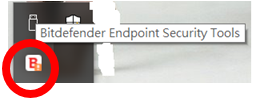
- Find the BitDefender icon at the bottom right hand corner of your screen
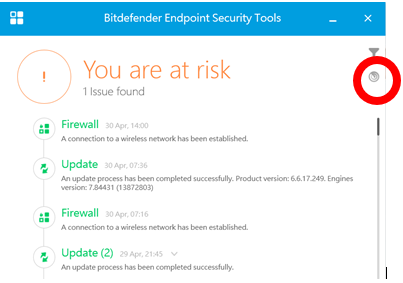
- BitDefender will open. Click the Scan icon at the right hand side.
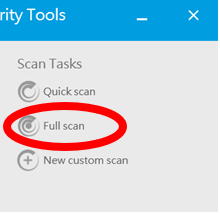
- Click Full Scan to perform a full scan.