We have provided a tip to system updates here Tip – Windows 10: A guide to the updates. But system updates do not include all additional applications installed on your computer. Some may need to update when they are run such as Firefox or Chrome. Others may need to be updated manually.
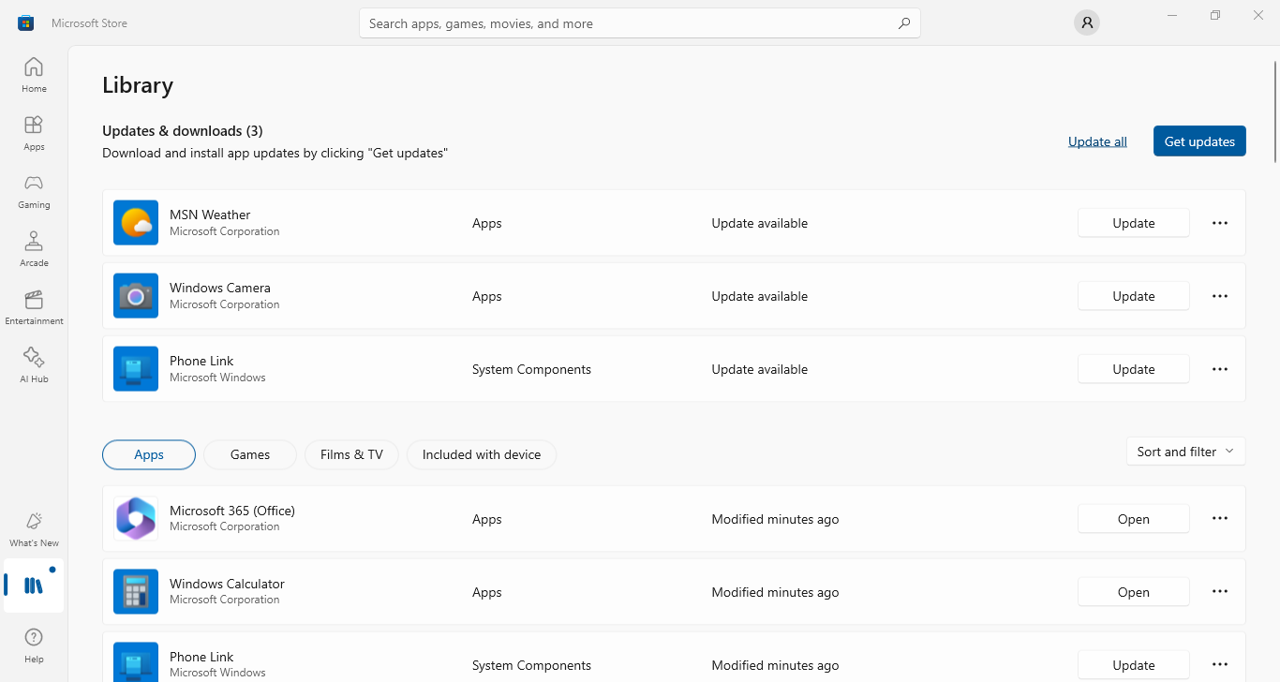
On a Windows computer, it is best to install applications from the Microsoft Store. This way you can update all your installed apps at once from your Microsoft Store library.
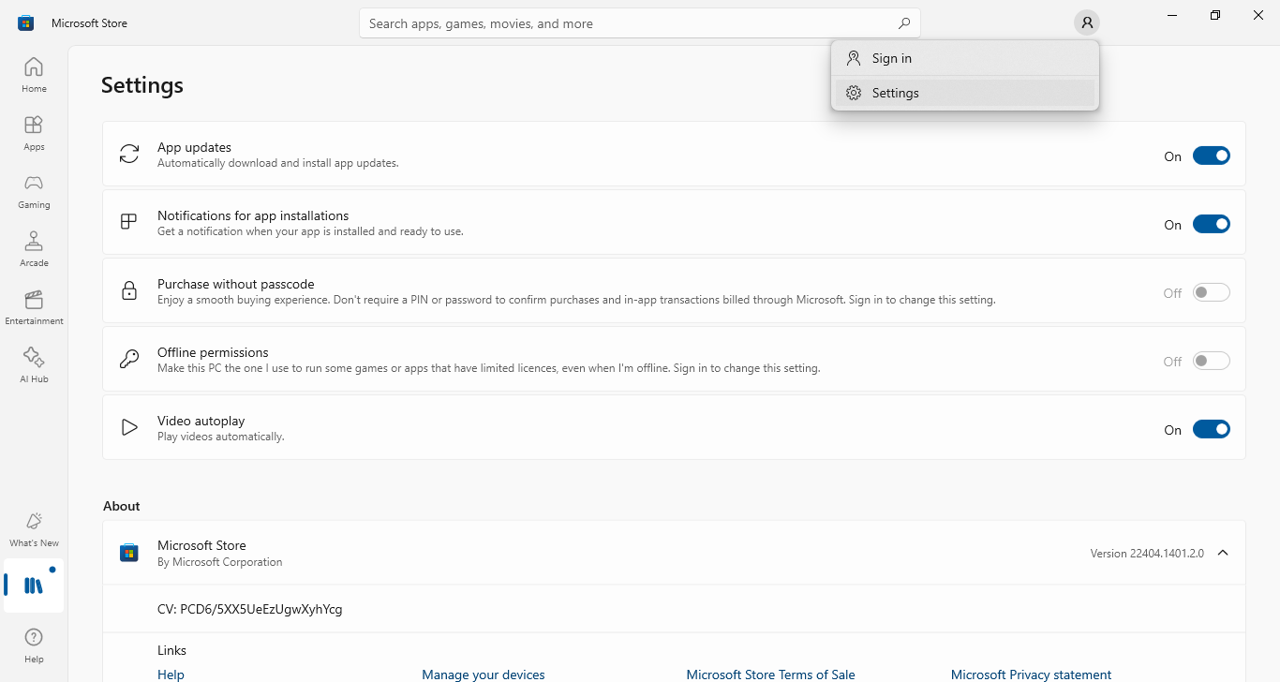
While you are in the Microsoft Store, click on your profile icon to access the Store Settings. From here you can switch on the option for automatic download and install of app updates.