
Click File at top left hand corner.
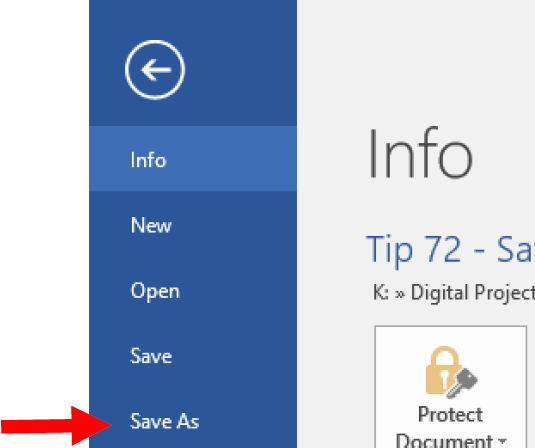
Click Save As.
Select the destination where you want to save the PDF to, e.g. Desktop.
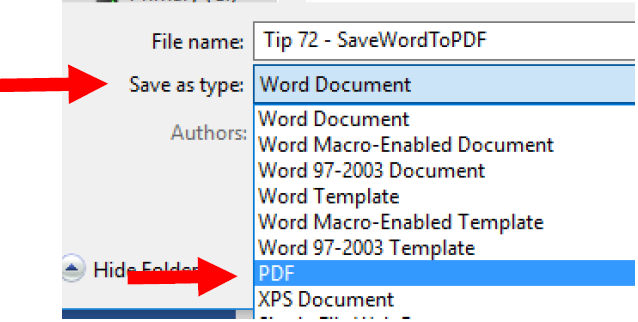
Click “Save as type” drop down and select PDF.
Click Save
Practical guide
Click File at top left hand corner.
Click Save As.
Select the destination where you want to save the PDF to, e.g. Desktop.
Click “Save as type” drop down and select PDF.
Click Save