Independent redesign concept by TudoukeNot commissioned or endorsed by the Kindergarten IT Program, State Library Victoria or the Victorian Government.
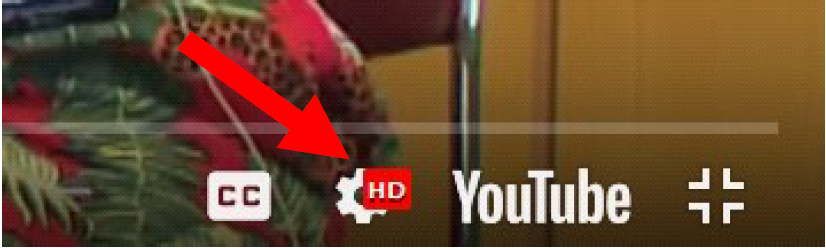
At the bottom right hand corner of your Youtube video, you will be able to find out the current video quality by clicking the Settings icon as shown below.
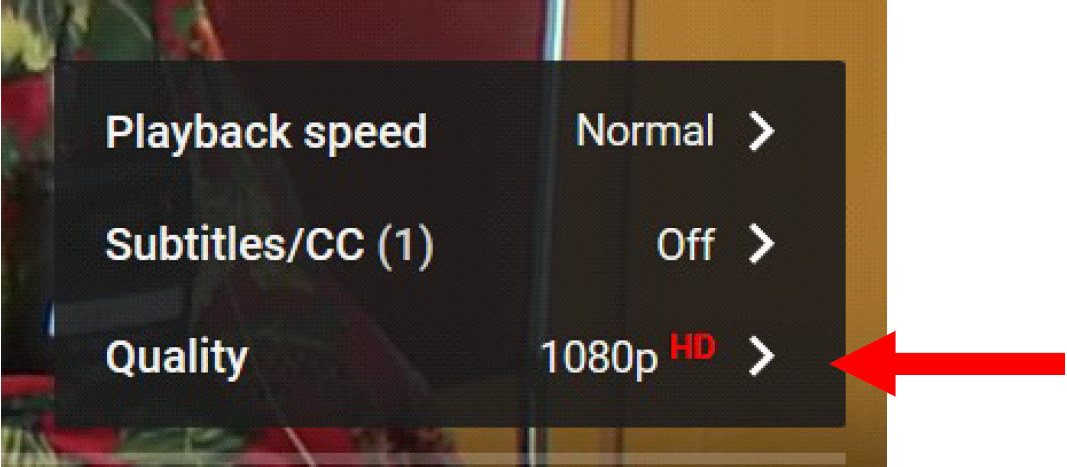
The current video quality will show up.
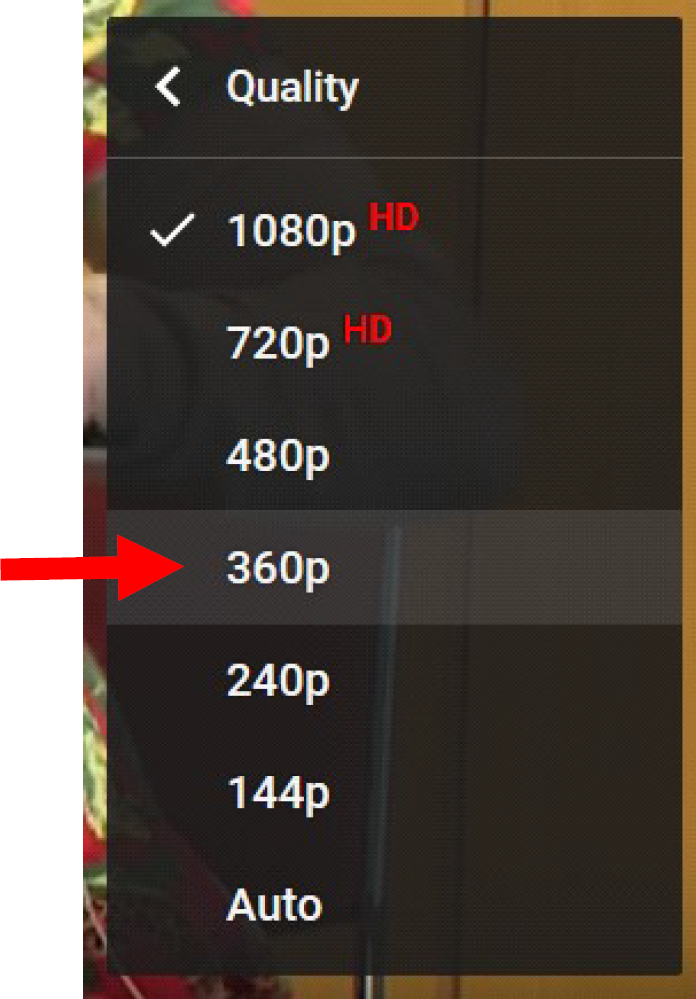
Click Quality to reduce/change the quality of the video.