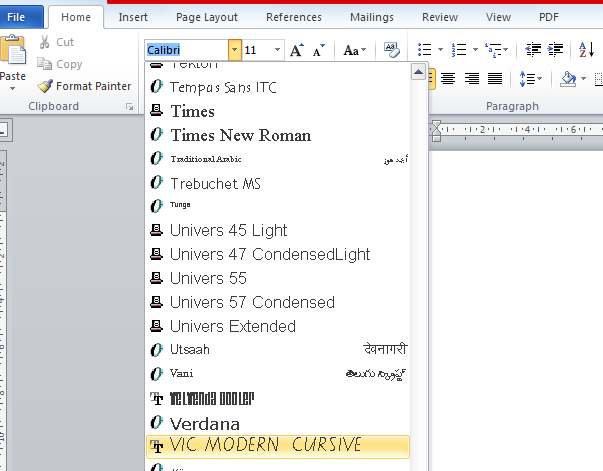
This Tip applies to Windows PC Users. For more information and Mac user instructions refer to the DEECD website; www.education.vic.gov.au/school/teachers/teachingresources/discipline/english/Pages/handwriting.aspx
- On the DET website linked above, Click on this link; “Regular and Bold fonts – PC format (ZIP – 30Kb) : Click Here”
- Select Open with Windows Explorer then press OK
- In the new window you will see two files. Click on Extract All files button on the Toolbar. Then click Extract once more.
- When the next Window opens, right click on each of the files and select Install
- Close all the open Windows.
- Open the Microsoft Word Program
- Go to Home > Font > and search for Victorian Modern Cursive